A game trailer can move quickly between places while giving an action enough time to finish. Cut the travel between scenes, keep the part that makes an action readable, then change the length of the next shot. A horse appearing in a field needs a different amount of screen time from a glimpse down a railway.
A two-minute edit of Western Art Play makes that distinction visible. Its 25 shots move through a drawn Western world: town streets, an oasis, a mine, woods and a cemetery. Some shots establish a place. Others show something changing within it. Treating both kinds as equally short clips would flatten much of what the world can do.
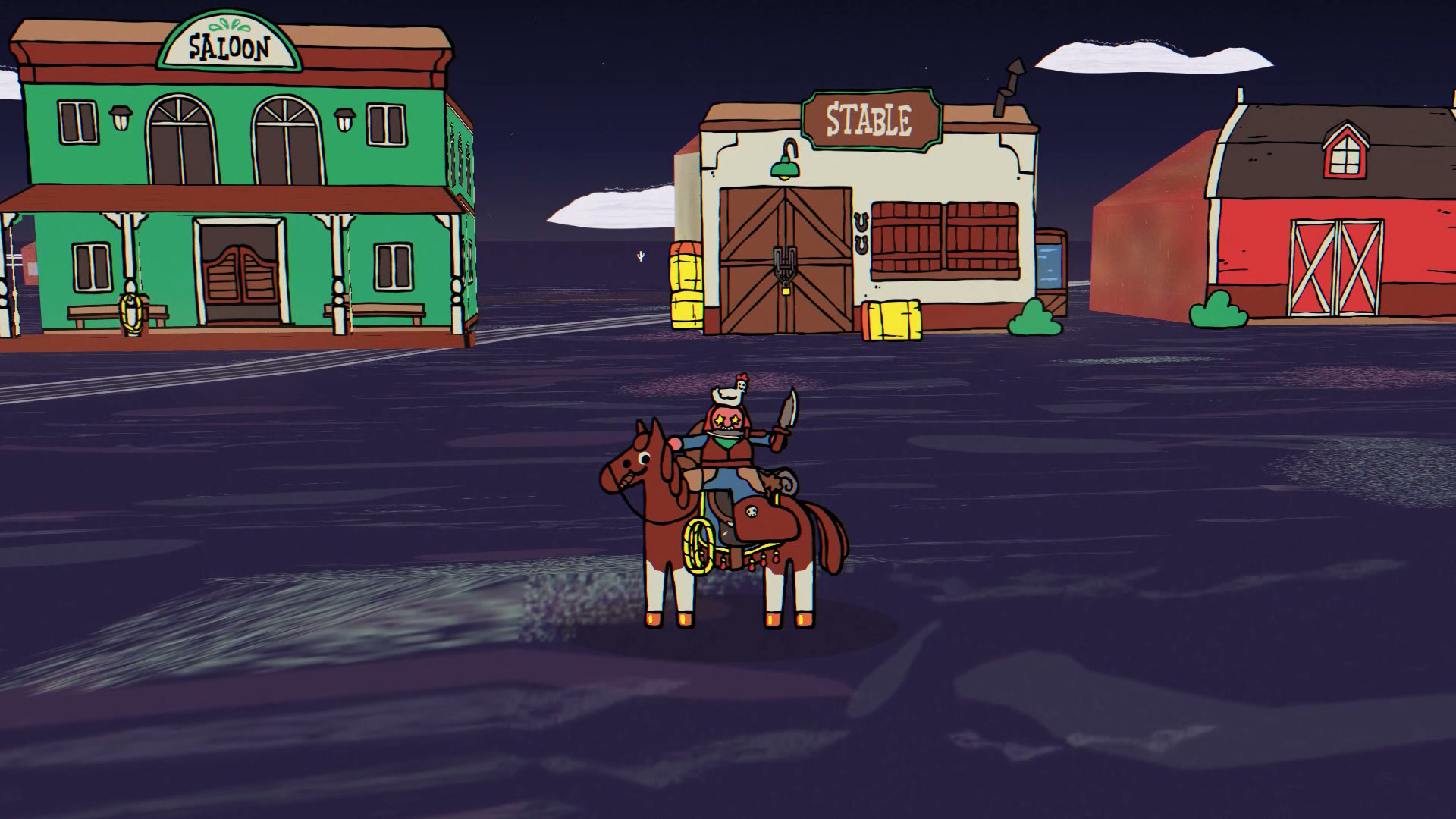
The opening town ride lasts about 5.3 seconds. The next shot gets roughly 6.7 seconds: three horses appear, the character approaches them, and the character mounts one. Cutting away when the horses first appear would leave out the interaction. Keeping the approach and mount makes this more than a picture of a horse collection.
Later, from about 39.7 to 47.8 seconds, three shots each last 2.7 seconds. They alternate a lantern-lit settlement, a railway, and the settlement again. These are short changes of place and composition. The run is followed by a longer ride and then a 7.9-second cottage-building shot. The shift in duration gives the viewer time to follow a new kind of event after the quicker tour.
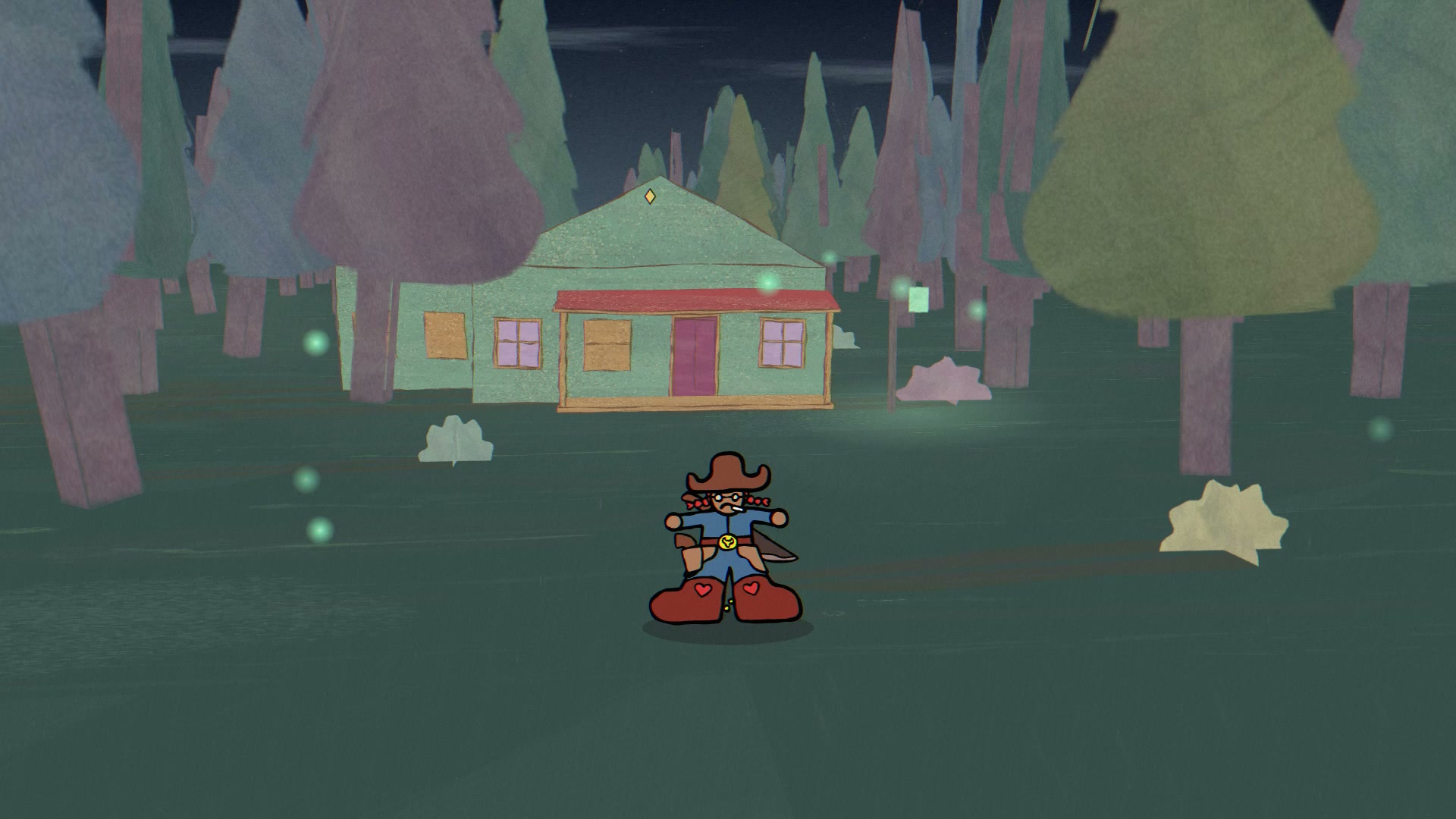
In that cottage shot, which begins around 53.2 seconds, the ground is visible before the structure appears. The image stays long enough for the building to become solid and for the camera to move past it. There are three useful parts to keep when choosing a cut: the space before the change, the change itself, and a clear view of the result. Their lengths depend on the footage. An empty clearing can register quickly; a crowded construction may need more time.
A useful first pass is to mark those moments in each original take before arranging the trailer. For a pickup, find where the item can be seen and where it has reached the character's hand. For a doorway, keep enough of the approach and the interior to connect the two spaces. If the selected interval ends before its action resolves, lengthen it or use a different take. A title card cannot recover the missing motion.
Variety also comes from changing what fills the frame. The edit moves from an open oasis to a forest, then into the repeated wooden supports of a mine. The mine shot lasts about 3.3 seconds. Its narrow corridor reads differently from the wider landscapes around it, even though the character remains near the center. That contrast gives the sequence another rhythm besides the timing of its cuts.
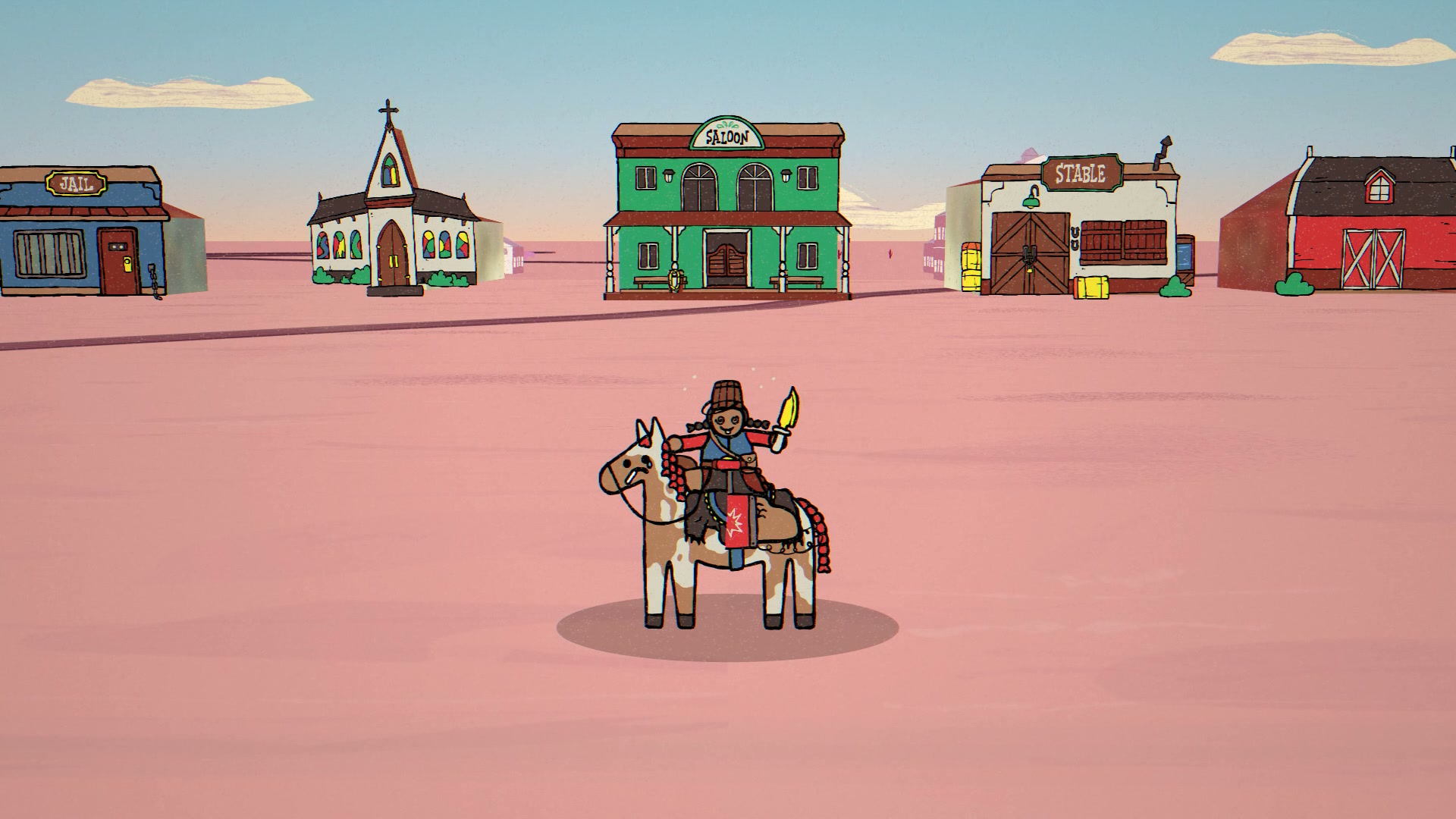
The town's changing palette offers a different option. From 90.1 to 96.7 seconds, the shot stays in one location while the ground and sky change from yellow to dark blue and then pink and pale blue. Familiar buildings make the transformation easier to follow. Cutting between unrelated locations at the same time would make it harder to tell which differences came from the world's appearance and which came from moving somewhere else.
This edit changes pace through selected intervals and hard cuts. The assembly keeps those intervals at the speed present in its input recordings, then converts the output to 30 frames per second. That describes what the edit does; it does not establish the original speed of every source recording. If a trailer needs a real-time gameplay claim, preserve the capture history as well as the finished export. A normal-speed setting in the last editing step cannot undo an earlier speed change.
The soundtrack is “Tales of the Gunslinger (1),” using its first two minutes with a fade over the last two seconds. The edit does not change the track's tempo. When cutting against music, listen for places where a change of scene feels natural, but let an important action finish even if that takes it past the nearest accent. A run of evenly timed cuts can suit a passage of travel. It is a poor default for every pickup, entrance and build.
Review the picture once with the music muted. Check whether a new viewer can see what each action accomplished and recognize when the location changes. Then listen with the picture restored. If an entrance is getting lost, try moving the cut before adding another effect. The work on framing game trailers addresses a separate part of that check: whether the important motion remains visible when the same footage is framed for a phone.
Before export, compare the chosen intervals with the finished timeline. This edit totals exactly 120 seconds across 3,600 output frames. Those numbers check the delivery length; they do not tell you whether a shot is readable. Inspect the frames on both sides of each cut, especially where a horse, held object or new building appears. Leave the viewer enough of the result to understand why the shot was there.