TL;DR
- Send the purpose, audience, runtime, delivery formats, deadline and budget range in the first message.
- Annotate references: name the specific color, movement or composition you want, and what must stay your own.
- Agree on review points and delivery files before the full film is made. Use the brief below to make proposals comparable.
“I need an AI video” leaves most of the job unspecified. A ten-second looping character, a dialogue scene and a game trailer can share an animation style while requiring very different deliverables. Before asking an AI animator for a quote, describe what the finished piece must do and where it will appear.
You do not need to choose the production software. You do need to identify the things a viewer must recognize, the action they should understand and the files you will need at handover. The brief below is a starting document for that conversation, not a statement of pricing or a promise about any particular production process.
Start with the destination
Write one sentence that connects the film to an audience and an action: “A 30-second trailer for players who have never seen this game, ending with a readable invitation to play.” That gives the animator something to prioritize when the idea contains more material than the runtime can hold.
List every required version before requesting a quote. A landscape film, a square cut and a vertical cut may need different framing, text placement and edits. Say whether these are separate edits or crops of one master, and ask the animator to flag any shot that cannot survive the crop.
Make references specific enough to use
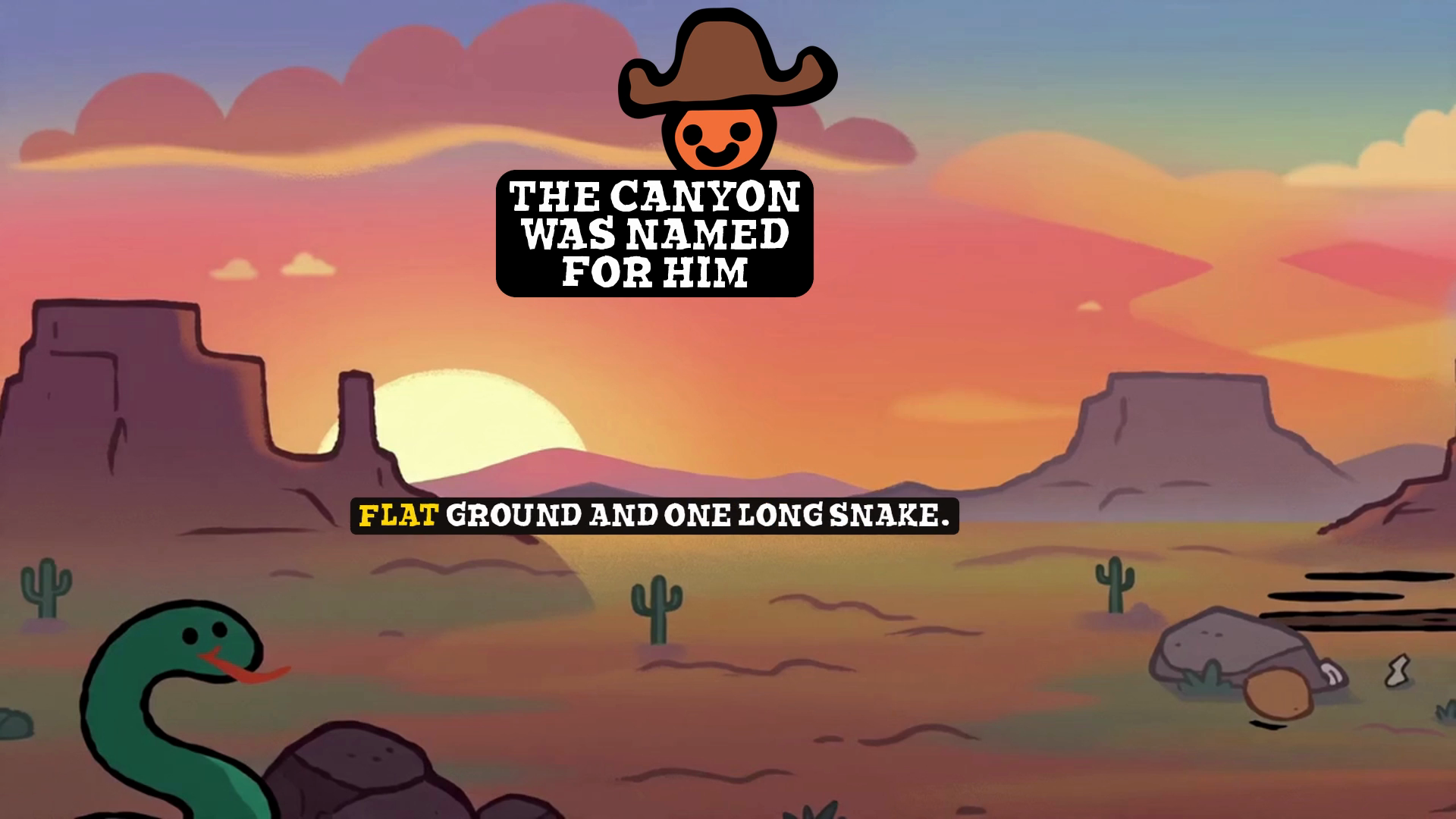
Send a short set of references with a sentence beside each. “Keep this warm sunset palette, but use our character and setting” is more useful than “make it like this.” Separate the subject, drawing style, lighting, camera movement, editing pace and sound. You may like one of those things and dislike the others.
Include a few examples of what you want to avoid. A restrained camera, flat lettering or a quiet soundtrack can be part of the brief. If a logo, costume, face or product has to remain recognizable, provide the approved reference and identify the details that cannot change.
Copy this brief into your first message
Replace the bracketed fields. Mark undecided items as questions rather than allowing them to become accidental assumptions. Keep confidential invention details out of an initial brief; describe the public result the film needs to show.
- Project and purpose: [What are we making, who is it for, and what should the viewer do afterward?]
- Story: [One sentence about what happens; any required opening, turning point and ending.]
- Runtime and versions: [Length of each cut, aspect ratios, resolution, frame rate and whether a seamless loop is required.]
- Characters and assets: [Approved artwork, logos, products, locations and details that must remain consistent.]
- Visual references: [Links or frames, with one sentence saying what to borrow from each and what to avoid.]
- Text and language: [Exact titles, captions, subtitles, spelling, URLs and language versions.]
- Sound: [Music, dialogue, voice, effects and whether a silent version is needed. Identify supplied files and any unresolved usage rights.]
- Delivery: [Video file requirements, clean versions without titles, subtitle files, stills and any editable files required.]
- Schedule and budget: [Launch date, review availability and budget range. Ask which requirements fit that range.]
- Approvals: [One person who consolidates feedback, proposed review points and the number and scope of revision rounds.]
Ask for a proposal you can compare
When comparing AI animation proposals, check that each one covers the same list of outputs. A lower price for one landscape video is not directly comparable with a price that includes three edits, captions, music and clean exports. Ask what is excluded, what you must supply and what happens if the brief changes after approval.
Discuss usage permissions for supplied artwork, music, voices and any third-party material. Do not assume that an exported video includes editable project files or that a music track is cleared for every intended placement. Record the agreed deliverables and permissions alongside the creative brief.
Review a short sample before the whole film
Ask whether the project can include an early review of a representative moving shot. A still can establish appearance, but it cannot show whether a character stays recognizable in motion, whether a logo remains legible or whether an action reads at the intended pace. Choose a sample containing the hardest required action rather than only an easy establishing view.
Agree on the review sequence with the animator: story and required information first, then appearance and movement, then the full edit and final exports. Consolidate feedback into one list with timestamps. Distinguish a correction to the agreed brief from a new creative request, so both sides can discuss its effect on scope.
Use an acceptance checklist
- Watch at normal speed without stopping. Can a new viewer understand the central action and the ending?
- Inspect the moving character, hands, props and lettering. Flag visible changes or rendering problems with timestamps.
- Watch every requested format on its intended screen. Check crops, captions, title placement and the final URL.
- Listen on headphones and a phone speaker. Check dialogue clarity, abrupt audio cuts and the supplied music version.
- Open the delivered files. Confirm runtime, dimensions, sound, captions, filenames and any clean versions against the brief.
Send the checklist with the brief so acceptance criteria are visible before work begins. It gives you a way to explain “this is not ready” with a specific, observable issue. It also gives the animator a clear finish line.
For visual references, browse the Prince Zoho film portfolio and link the exact film or moment you mean. To discuss a project, use the official contact profiles with the brief above.