TL;DR - Judged 74 Runway Seedance clips and kept 20; approved 37 frames and sent 47 back. - New rule: every prop gets a locked design passed in as a reference image, after Scene 9's phone changed in every shot. - The Runway tab froze twice overnight; Claude's watchdog script went from version 3 to version 8 by October 7. - Claude's log said a TV host's hand had fused into one giant lump. It hadn't. I rejected the clip because his head stuck out past the TV screen. - Five Penthouse shots went missing and were recovered from an earlier rough cut.
I woke up to my AI crew at war with Runway. The tab had frozen twice. Claude broke back in through Chrome's debugging port and wrote a watchdog script to do it forever. Three days later, Runway suspended the account.
By lunch my first full scenes were falling apart. "the she part of the clip was good but he looks terrible." A line of John's was gone. A radio effect blared over everything.
By bedtime a TV host's head was sticking out of his own TV screen, a phone had changed in every shot, five finished shots had vanished from their folder, and 54 clips were dead.
Day 03 at a glance
To keep a prop consistent in AI video, give it a locked design and pass that design to the image model as a reference image every time it appears. I set that rule on Day 03 after one phone came out different in every shot of Scene 9. That day I judged 74 clips from Runway's Seedance and kept 20, about 27%, and saw my first full scenes of Death Match.
Why was my AI crew fighting Runway all night?
On Day 02, Midjourney blocked my account for automation. With no new frames coming, the plan was to animate the frames I had already approved.
Runway's Seedance ran on two slots through the night. Claude checked each clip with the motion gate and a frame sheet before showing me anything.
The tab "wedged" twice: the page froze and stopped answering the script that drove it. The second time, the connection to the browser timed out completely.
Claude killed the runner, opened a fresh tab through the debugging port and closed the frozen one. Then it wrote a supervisor script to watch for this and restart things. That was version 3. By October 7 it was on version 8.
Nobody shows this part of AI production. A lot of Claude's day went into keeping a fragile browser automation alive. That should have told us we weren't using Runway the way Runway wanted to be used.
We ignored the hint. Three days later, Runway stopped hinting. I'll come back to that.
Why do whole scenes show problems single clips hide?
My first message of the day: "compile the scene add the ddd and audio and let me see."
Claude's assembler took the approved clip for each panel and laid the recorded voice lines over it. It added sound effects, put the score under it from my stems and ran the DDD dither on top.
A clip can look fine alone and still break the scene around it. I wrote more about that in finding the useful shot inside an AI video montage. The first cut broke four ways:
- A rejected John in an approved clip. One clip had a good half with Lucy and a bad half with John. The assembler used the whole thing. "the she part of the clip was good but he looks terrible."
- A missing line and a loud noise. A line of John's was missing, and a loud counter-like sound (probably the radio effect) was mixed far too hot.
- Missing clips. Panel 08-03 had been animated and approved, but the scene didn't show it. Several other clips I knew existed were missing too.
- Lost notes. Some clips I'd rejected only because the audio wasn't synced. The system threw away good animation along with bad sync.
How do you keep a prop consistent in AI video?
Scene 9 has one phone in it. The AI cast a different phone in every shot. Some were a flat smartphone in a 1980s future, like a time traveler had dropped it on set. My note became a rule:
"when you use props like that you should pass that prop in as a reference as well so we have some consistency."
Every prop that matters gets a locked design. That design goes to the image model as a reference image every time the prop appears, the same way the character designs do.
Claude wrote it into the continuity file and later built Character locks/props/ with a prompt file for prop locks. Shots that needed a prop without a lock were parked in queue_parked_needs_prop_locks.json. No lock, no shot.
The AI hadn't thought of this on its own. Its default was to describe a prop in words and trust the model. Image models don't remember what they drew in the last shot. If you want the same object twice, you have to show it to them.
Why did a TV host's head stick out of his TV?
The production log from that night reads like a coroner's report. Chaz, a TV host in Scene 4, points at the camera, and according to Claude's log, between seconds 4 and 8 his hand fuses into one giant lump.
It doesn't. His hand is fine. He really is pointing. The problem, the reason I rejected the clip, was his head sticking out past the TV screen he's supposed to be inside.
In another clip a robot's head pops into frame at 14 seconds. In another, a crowd is cloned.
Claude rejected these and queued retakes with changed staging, for example keeping Chaz's hands on the microphone. That fixed a hand that was never broken. Chaz is a TV host. His one job is to stay inside the TV.
Where did five finished shots go?
In the evening Claude found that the original clips for five Penthouse shots (01, 03, 06, 08 and 14) were missing from the proof-shots folder. Only the specs were left.
It recovered processed copies from the working folder of an earlier rough cut, already cropped and dithered. Nothing was lost for good.
Still, files going missing is the kind of mess that grows when several scripts and sessions write to the same folders. It got worse later in the week.
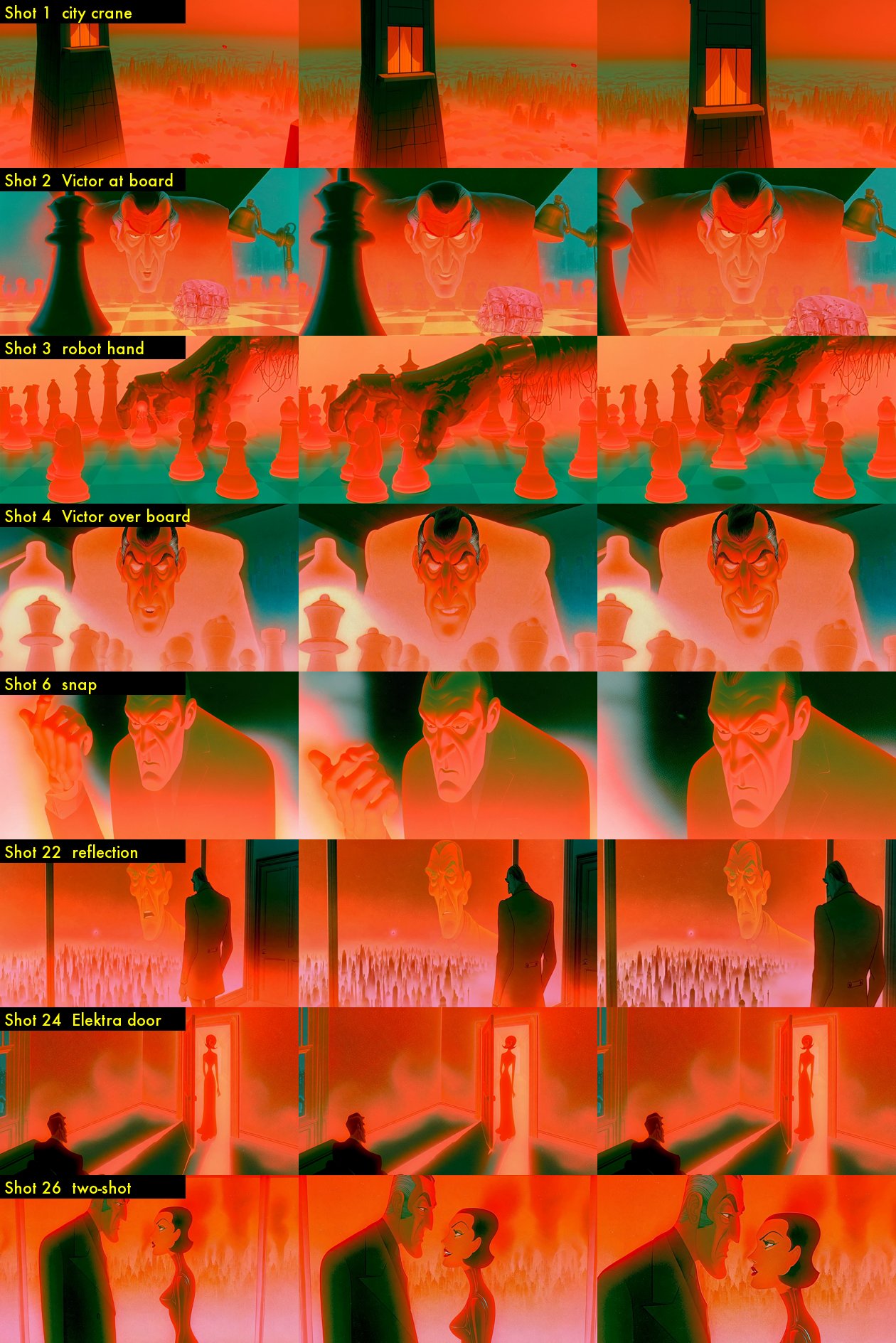
What did the AI get wrong?
Judging a clip and judging a scene are different jobs. The AI was optimizing for clips that passed. I was watching for a film that worked.
"Approved" also needs a precise meaning. If I reject a clip only for sync, the animation might still be usable. The tool has to track that, or I end up re-approving the same shot three times. I complained about exactly that the next day.
The Day 03 body count
I looked at 74 clips and kept 20. The other 54 died so the film could live, mostly from character drift (John too big, Lucy's face changing), AI artifacts (hands, ghosting) or bad sync.
Frames did a little better: 37 approved, 47 sent back. Runway was still on Unlimited, two slots, no per-clip cost. And I still had approved frames with no animation, so I told Claude: "keep rendering all night i think i gave you enough images to animate to last all night."
The film is called Death Match. So far the only things dying are clips.
Tomorrow that changes. The Midjourney block ends, I approve a rented GPU, and we go after the murders Runway refuses to film.
FAQ
How do you keep a prop consistent across AI video shots?
Give the prop a locked design and pass it to the image model as a reference image every time it appears, the same way you pass character designs. Image models don't remember the last shot, so a text description alone gives you a new prop each time.
How many AI clips did you keep on Day 03?
I judged 74 clips and kept 20, about 27%. I also approved 37 frames and sent 47 back for a new frame.
Why judge whole scenes and not only single clips?
A clip can look fine alone and still break the scene, through a missing line, a changed prop or the wrong character in half the shot. My first full scenes showed all three.
What do you check in an AI clip besides hands and faces?
The framing. In one Scene 4 clip, the TV host's head stuck out past the edge of the TV screen he was supposed to be inside. Claude's log blamed his hand, which was fine. Check that every character stays inside the frame they belong to.
Get the daily recap One email a day, with what broke and what I kept. Subscribe to the Jeje Studios newsletter.
Next: Day 04 (coming tomorrow)